

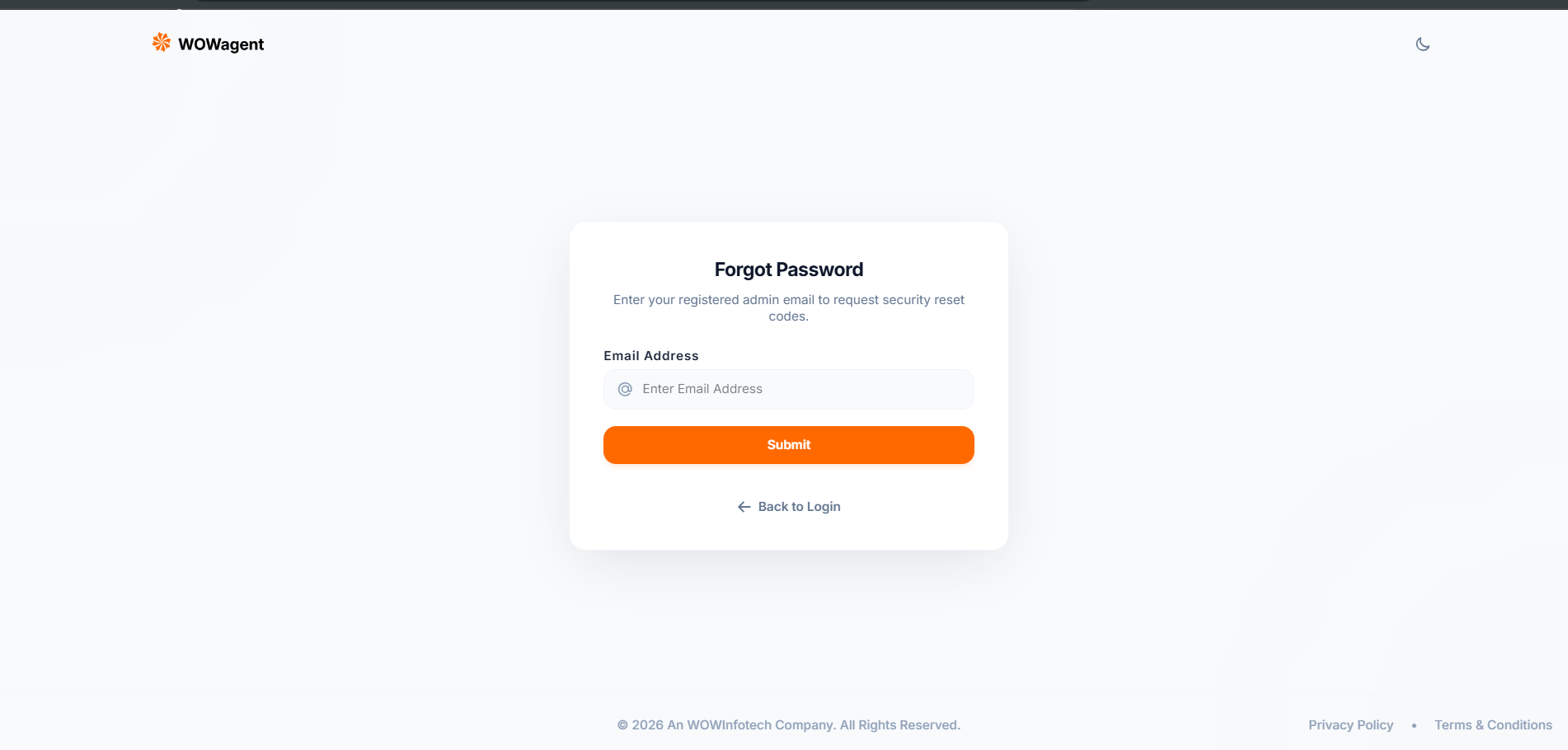
Where To Find It
On Login page click Forgot Password. Direct flow is: Login page then Forgot Password then Email Sent then Email Link then Reset Password then Login again.Step 1: Request Reset Link
- Open https://portal.wowagent.ai/login
- Click Forgot Password.
- Enter registered email only. No spaces. Must be same email used in Signup.
- Click Submit.
- You see Email Sent popup with text We have sent link to your email, check Inbox plus Spam.
- Click Go to Login and wait for mail.
Step 2: Open Email Link
- Check Inbox plus Promotions plus Spam plus Junk.
- Open mail from WOWagent with subject password reset.
- Click Reset button or link. Link looks like frontend reset-password with token.
- It opens Reset Password page with New Password plus Confirm fields.
- Check spelling of email in Step 1
- Check spam filters and safe sender list
- Click Resend after 1 min
- Check internet and mailbox quota
- Try again with lowercase email
Step 3: Set New Password
- Enter New Password. Min 8 chars. Must have Upper plus Lower plus Number plus Special char.
- Enter Confirm Password. Must match New Password exactly.
- Click Submit.
- You see Password Reset Successfully popup.
- Click Go to Login.
- Login with email plus new password.
- All fields required
- Passwords must match, else error Passwords do not match
- Must meet password policy, else policy error
- Token must be valid, else Invalid reset token
- If more than 1 hour passed, error Reset link expired, request again
Troubleshooting
- No email received: wrong email, spam folder, mail delay. Wait 5 mins, resend once.
- Invalid reset token: link broken, double clicked old link, or already used. Request new link and use latest mail.
- Reset link expired: more than 1 hour passed. Request again and complete within 1 hour.
- Passwords do not match: retype both, check caps lock, check show password button.
- Password policy fail: add missing Upper or Lower or Number or Special, make 8 plus chars.
- Still logged in old session after reset: logout all tabs, clear cache, login again with new password.
- Account locked or 403 verify email: verify email first from Login popup, then reset password.
- Still stuck: create Support Ticket with registered email plus time of request plus screenshot, no password in ticket.