

What You Can Do With WOWagent
Website Management
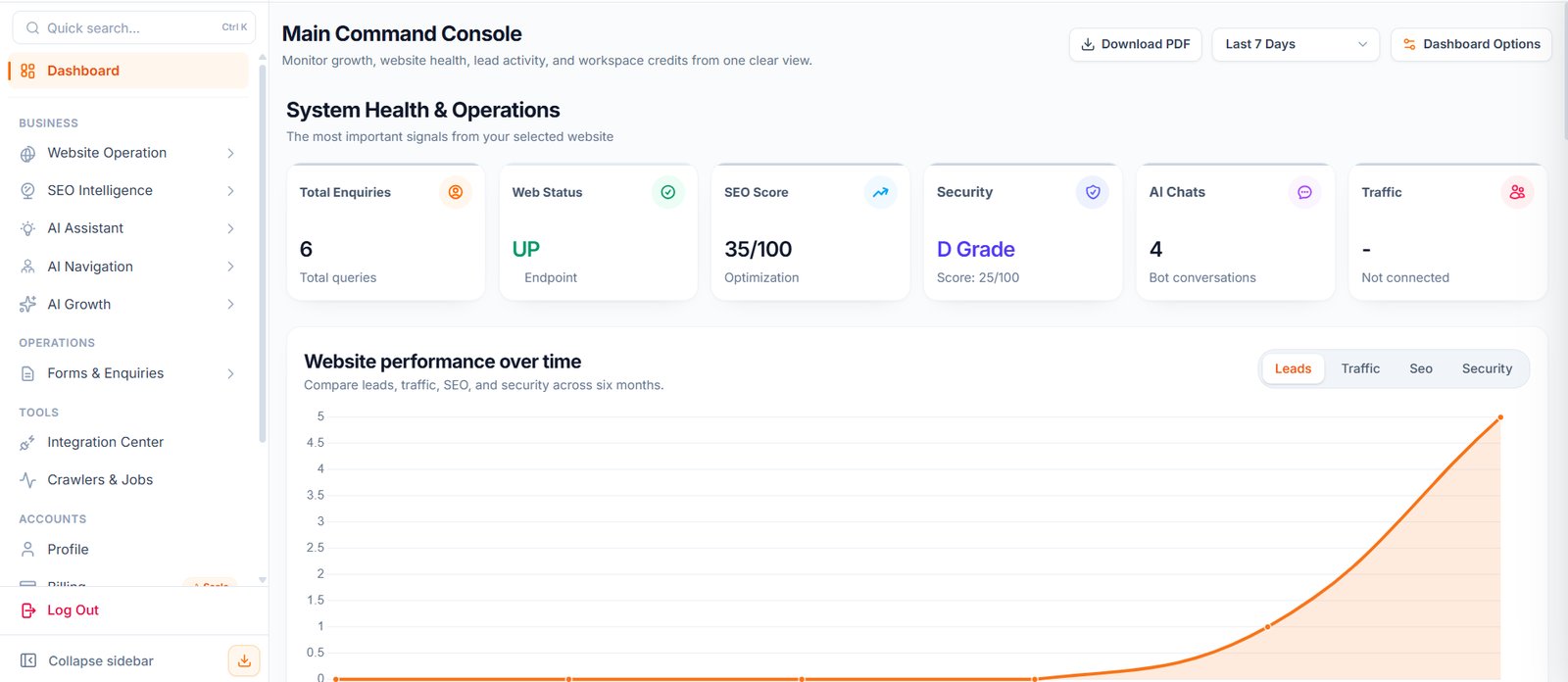
Connect your website, view website health, monitor performance, check SSL, review DNS, and run website audits. Panel URL: https://portal.wowagent.ai/dashboardAI Assistant
Create and manage your AI assistant for website visitors. You can configure chatbot behavior, widget style, voice/avatar options, and visitor interaction settings. Chatbot URL: https://portal.wowagent.ai/ai-agentKnowledge Base
Train your AI assistant with business details, services, FAQs, website pages, uploaded documents, working hours, and rules. Knowledge Base URL: https://portal.wowagent.ai/ai-agent/knowledge-baseCustomer Inbox
View conversations between visitors and your AI assistant. Customer Inbox URL: https://portal.wowagent.ai/ai-agent/conversationsLeads And Enquiries
Capture customer enquiries through the chatbot and website forms. Customer Enquiries URL: https://portal.wowagent.ai/ai-agent/leads Forms URL: https://portal.wowagent.ai/formsSEO Intelligence
Review SEO health, keyword opportunities, competitors, backlinks, brand visibility, and AI visibility. SEO Intelligence URL: https://portal.wowagent.ai/seo-research/domainAI Growth
Generate content, manage your content calendar, and review published articles. AI Content Generator URL: https://portal.wowagent.ai/ai-content-generatorAccount Management
Manage your profile, billing, subscription, credits, team members, support tickets, and activity logs. Billing URL: https://portal.wowagent.ai/billingRecommended Setup Order
- Create or log in to your account.
- Add your website.
- Complete Integration Center setup.
- Train your AI assistant using Knowledge Base.
- Configure your chatbot.
- Test the assistant on your website.
- Review leads, conversations, SEO, and security reports.